 Every Voice
Transcripts and downloads
Every session is saved with its original words and each translation, ready to search, download or share.
Finding a session
Open History to see your sessions, or search by title or by words that were said. Open one to read the transcript and see how the session went.
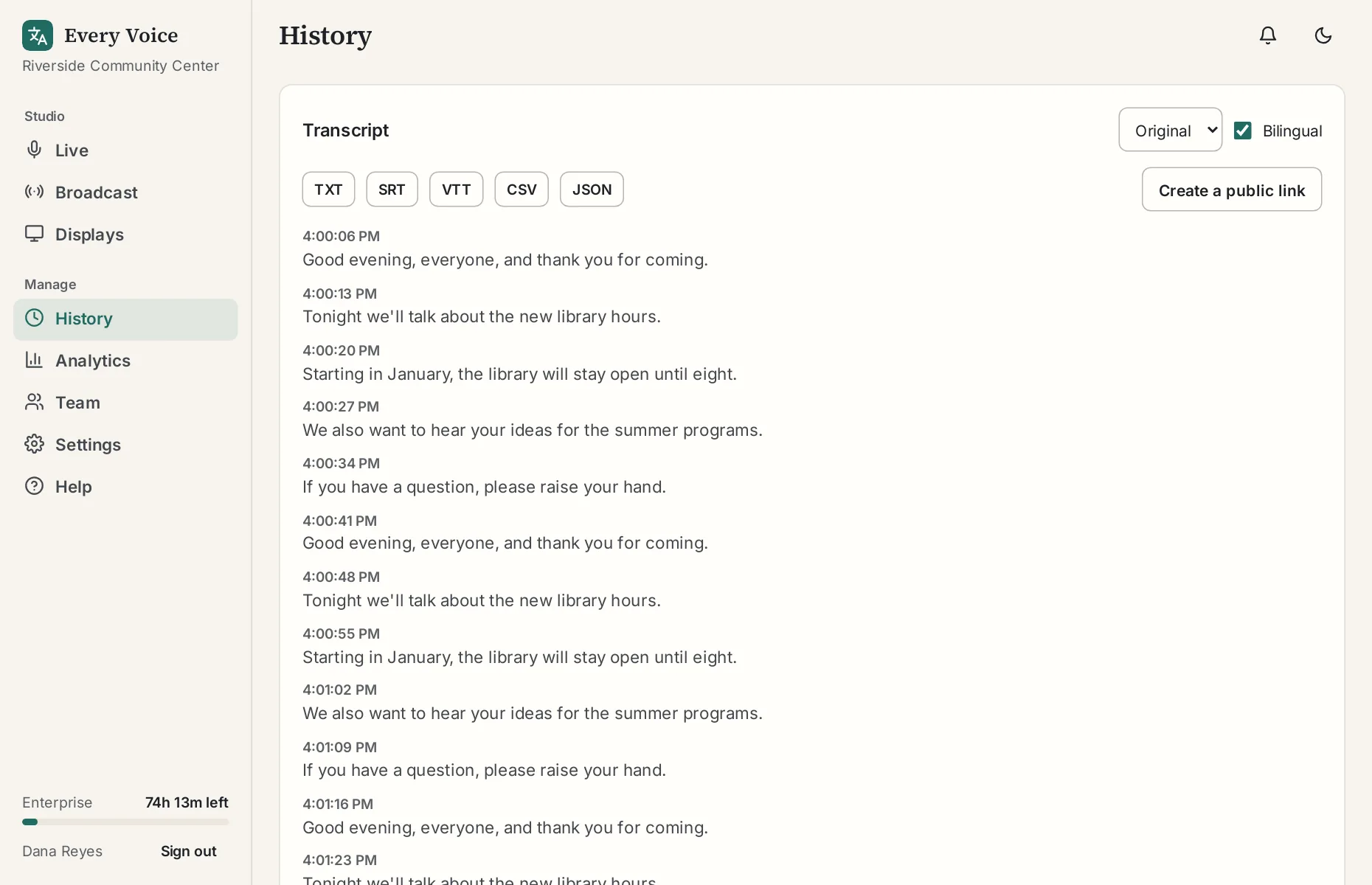
Downloads
| Format | Use it for |
|---|---|
| TXT | Reading, or pasting into a document |
| SRT | Subtitles for a video you post later |
| VTT | Subtitles for web video |
| CSV | A spreadsheet |
| JSON | Feeding into another system |
Choose a language first. Tick Bilingual to get the original and the translation together. The subtitles tutorial walks through adding them to a video.
Sharing a transcript
Press Create a public link to get a read-only page anyone can open without signing in. You can turn the link off at any time.
How long they're kept
Transcripts are kept until you delete them. To remove them automatically, set Delete sessions after this many days under Settings, Plan and organization. The spoken audio isn't recorded or stored at all.