 Every Voice
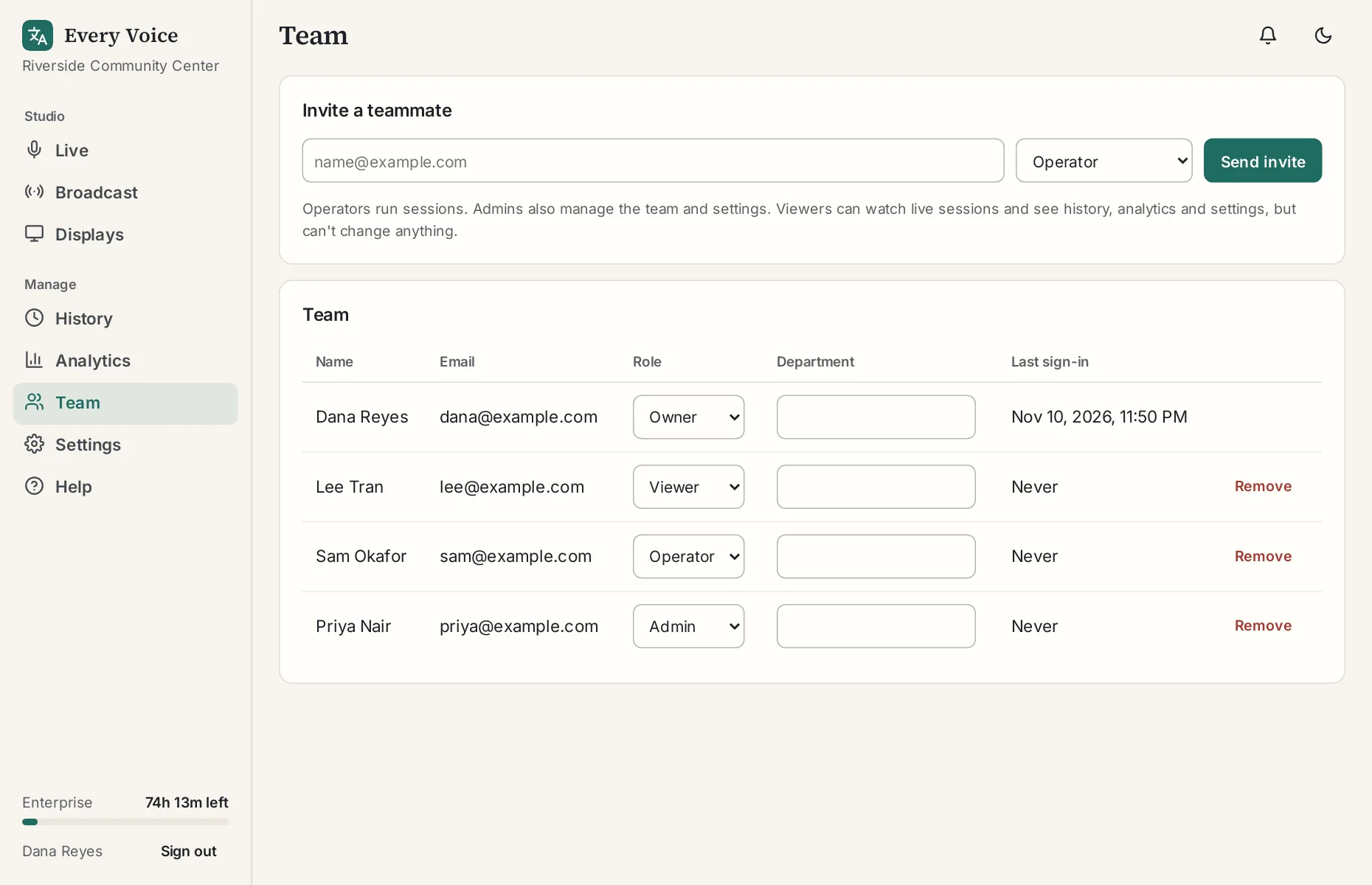
Your team
Invite people to help run your sessions without sharing a password.
Team seats are part of the Professional and Enterprise plans. Everyone shares one set of hours and one broadcast link, and each person signs in with their own account.
Roles
| Role | What they can do |
|---|---|
| Owner | Everything, including deleting the organization |
| Admin | Run sessions, change settings and manage the team |
| Operator | Run sessions, set up displays, and add names and special words |
| Viewer | See history and analytics |
Inviting someone
Go to Team, enter their email, choose a role and press Send invite. They'll have 7 days to accept. If it runs out, send another one.
Handing off during a session
If a teammate opens the studio during a session, they'll see it live as a co-pilot. Pressing Take over moves the session to their computer. Listeners don't notice. See Add a co-pilot.